In fast-paced digital environments, managing document revisions is no longer a simple matter of saving a new file. When multiple authors, reviewers, and stakeholders collaborate on content within web editors like TinyMCE, Froala, or CKEditor, the risk of lost work, conflicting edits, and compliance gaps skyrockets. Without a systematic approach, teams drown in ambiguity, endless email chains, and version-naming chaos. This guide moves beyond generic advice to provide a comprehensive checklist of 10 actionable document version control best practices.
We’ll explore technical patterns, workflow strategies, and policy frameworks that create clarity, enforce accountability, and streamline content production. You will learn specific methods for implementing a robust versioning system that supports your entire team, from content creators to developers integrating collaborative tooling. The goal is to establish a single source of truth that is transparent, auditable, and easy to manage, even with complex, concurrent edits.
This listicle will cover:
-
Policy frameworks like semantic versioning and mandatory commit messages.
-
Technical patterns for conflict resolution and visualizing diffs.
-
Workflow strategies including role-based permissions and mandatory approvals.
-
Compliance tools such as immutable audit logs and version retention policies.
From implementing granular change tracking to leveraging advanced tools that embed collaboration directly into the editing experience, these practices will help you build a resilient and efficient content ecosystem. For teams already accustomed to developer-centric workflows, exploring how GitHub-based CMS solutions handle versioning can provide powerful architectural insights for taming content chaos. The following ten practices offer a blueprint for achieving that same level of control and clarity directly within your web-editing environment.
1. Semantic Versioning for Document Revisions
While often associated with software development, Semantic Versioning (SemVer) is an incredibly powerful practice for document version control. It provides a structured, universally understood language for communicating the magnitude of changes between document revisions. Instead of ambiguous labels like “Draft_v2_final,” SemVer uses a clear MAJOR.MINOR.PATCH format to signal the scope of an update at a glance.
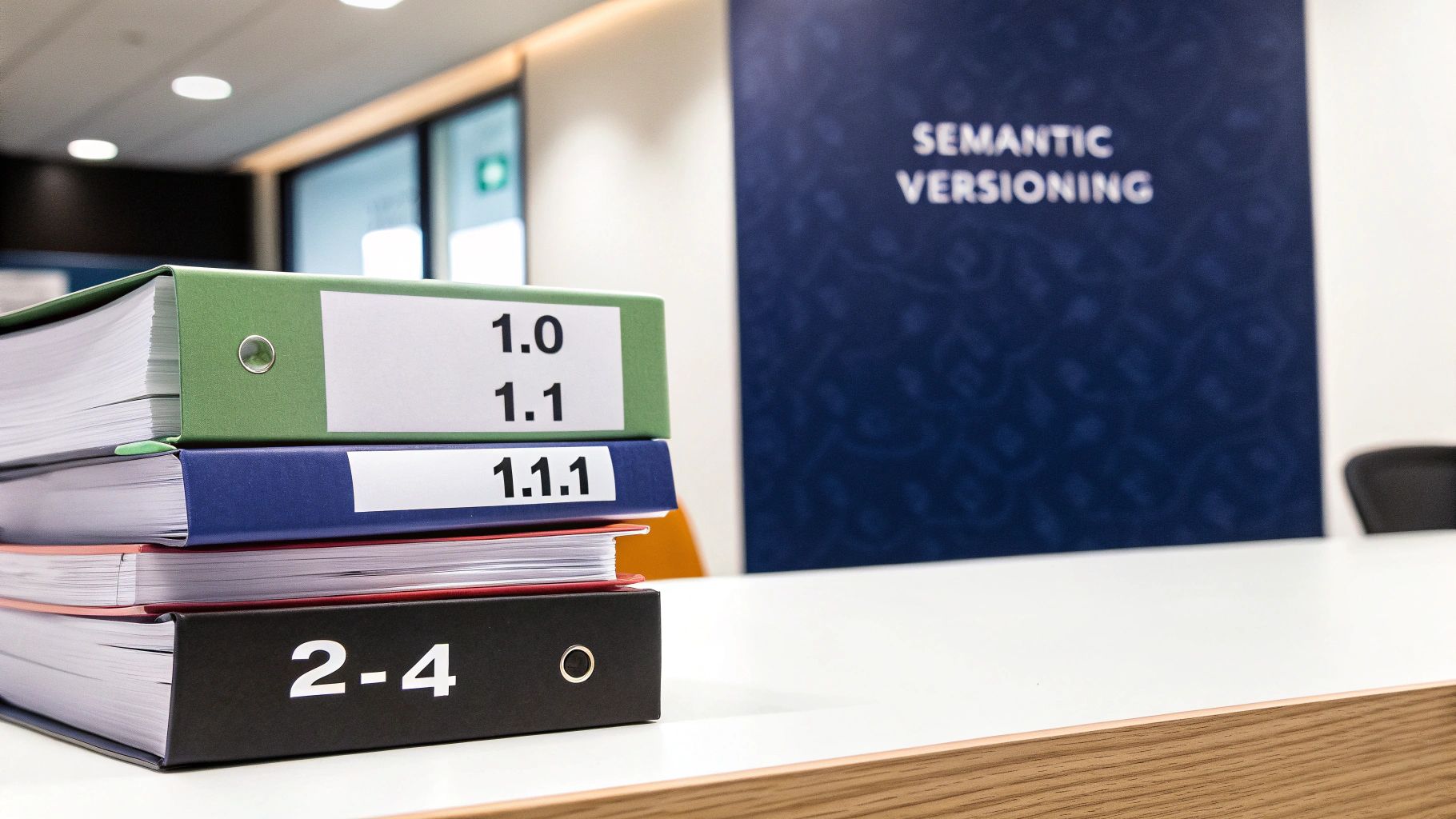
This system provides immediate clarity. A reviewer seeing a jump from version 2.4.1 to 3.0.0 knows a substantial overhaul has occurred, requiring a full, in-depth review. Conversely, a change from 2.4.1 to 2.4.2 indicates a minor fix, allowing for a quicker, more targeted approval. This is one of the most effective document version control best practices for managing team expectations and allocating review resources efficiently.
How to Apply SemVer to Documents
The rules are straightforward and adaptable to content workflows:
-
MAJOR (X.y.z): Increment for fundamental changes that alter the document’s core message, structure, or purpose. This includes complete rewrites, major legal policy updates, or restructuring that makes previous assumptions invalid.
-
MINOR (x.Y.z): Increment for significant additions or updates that add value but do not break the document’s core structure. Examples include adding a new section, introducing a key supporting argument, or updating a large dataset.
-
PATCH (x.y.Z): Increment for minor, backward-compatible fixes. This covers typo corrections, grammatical improvements, formatting adjustments, or fixing broken links.
Key Insight: Adopting SemVer shifts the focus from a simple chronological history to a meaningful narrative of the document’s evolution. It empowers stakeholders to instantly assess a revision’s impact without needing to read every change log entry.
Implementation Tips
To successfully integrate this practice:
-
Establish Clear Guidelines: Before rollout, document what constitutes a MAJOR, MINOR, and PATCH change for your specific content types. A new feature description might be a MINOR update for product documentation, while a change to a liability clause in a legal document would be a MAJOR update.
-
Automate with Your Tools: Use editor integrations to enforce versioning. For example, a tool like CommAIte can be configured to suggest a version bump based on the computed significance of edits, streamlining the process for authors.
-
Combine with Commit Messages: Each version bump should be accompanied by a brief summary explaining the “why” behind the change, providing crucial context for future audits and reviews.
2. Granular Change Tracking with Anchored Annotations
Moving beyond generic document-level comments, anchored annotations tie feedback, suggestions, and approvals to specific text ranges. This precision eliminates ambiguity, especially in complex documents where similar phrases or clauses appear multiple times. Each change is tied to its exact location, preserving critical context even as surrounding text is edited, which is a cornerstone of effective document version control best practices.
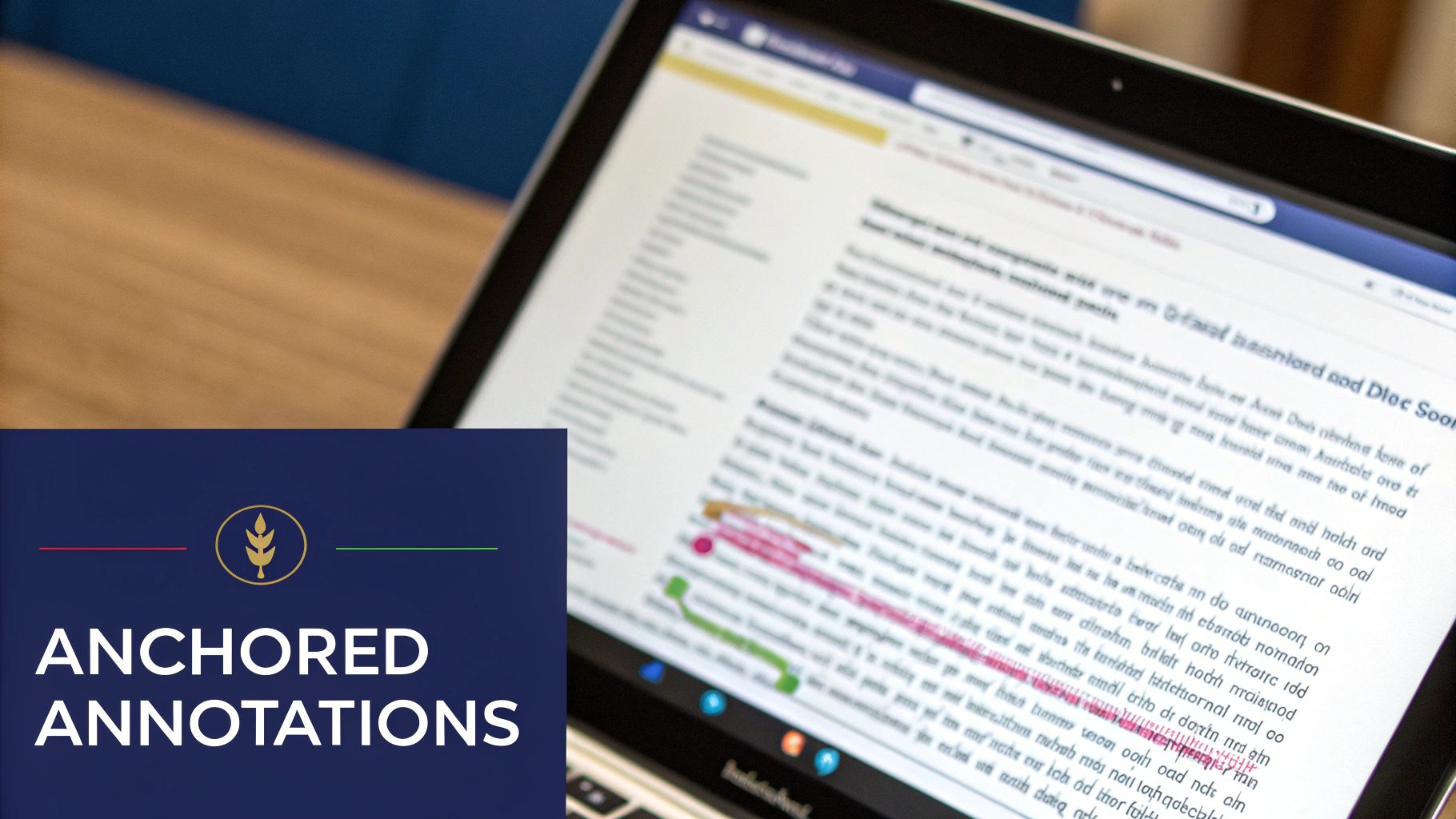
This method ensures feedback is unambiguous and actionable. For instance, a legal team reviewing a contract can comment on a specific liability clause without confusion, or a content team can track copyedits on a particular sentence across multiple revisions. This granular approach transforms a simple review process into a precise, auditable workflow where every piece of feedback has a clear, unchangeable home. For a broader perspective on the technical aspects of change tracking that can be applied to documents, you might find valuable insights in an article discussing how to track website changes like a pro.
How to Apply Anchored Annotations
Implementing this system creates a direct link between feedback and content:
-
Legal & Compliance: Anchor comments directly to specific clauses in contracts or policy documents. This creates an unassailable audit trail for regulatory reviews, showing exactly what was discussed and why a change was made.
-
Content & Marketing: Tie copyedits and suggestions to individual sentences or even words. This is invaluable for creative collaboration, allowing copywriters and editors to discuss microcopy changes with absolute clarity.
-
Technical Documentation: Link feedback for API documentation or user guides to the precise code snippet or procedural step being discussed, streamlining the technical review process.
Key Insight: Anchored annotations create a permanent, contextual record of collaboration. Instead of comments becoming detached and irrelevant as a document evolves, they remain tethered to the original text, preserving the full history of every decision.
Implementation Tips
To successfully integrate this practice:
-
Anchor All Feedback: Use tools like LoopIndex Inline Comments to ensure all feedback is programmatically anchored to specific text ranges, preventing orphaned comments.
-
Display Diffs Inline: Show textual changes (diffs) directly alongside the anchored comments to give reviewers the complete context of what is being proposed without needing to switch views.
-
Manage Overlapping Annotations: Implement conflict detection for when multiple reviewers comment on the same or overlapping text, creating a clear system for resolving conflicting feedback.
-
Archive for Compliance: Ensure that when an annotation is resolved, it is archived along with the final change. This preserves a complete historical record for future audits.
3. Mandatory Approval Workflows with Role-Based Permissions
Moving beyond ad-hoc reviews, a mandatory approval workflow introduces a structured, gated process for document progression. This practice establishes a formal chain of command where changes must pass through defined review stages, each managed by roles with specific permissions. This creates a clear separation of duties, ensuring that content is properly vetted for quality, accuracy, and compliance before final publication.
This system prevents unauthorized changes from slipping through the cracks. For example, an author can propose edits, but they cannot publish them directly. The document is locked until a designated reviewer, then an editor, and finally a final approver signs off. This is one of the most critical document version control best practices for high-stakes content where accountability and traceability are paramount, such as in legal, healthcare, or financial industries.
How to Apply Approval Workflows
The model assigns distinct responsibilities to prevent conflicts of interest and enforce quality control:
-
Author: Proposes initial content and subsequent changes. Can edit drafts but cannot approve or publish them.
-
Reviewer: Evaluates the content for accuracy, quality, and clarity. Can suggest edits or reject the draft, sending it back to the author.
-
Editor: Verifies the document for compliance with brand guidelines, style guides, and legal standards. Acts as a final quality gate before the approver.
-
Approver: Holds the final authority to publish the document or approve it for release. This role is typically held by a senior stakeholder, department head, or client.
Key Insight: Role-based workflows transform version control from a simple tracking mechanism into a robust governance framework. Every approval becomes an auditable event, creating a transparent and defensible history of the document’s lifecycle.
Implementation Tips
To successfully integrate this practice:
-
Map Roles to Functions: Clearly define the responsibilities and approval criteria for each role based on actual job functions within your organization. A legal reviewer has different criteria than a marketing copyeditor.
-
Visualize the Process: Use tools that make the approval chain visible. For instance, LoopIndex with Track Changes can be configured to show exactly who approved which changes at each stage, providing granular visibility.
-
Implement Escalation Rules: To prevent bottlenecks, set up automated rules that escalate stalled approvals after a certain period. This ensures that a single unresponsive person does not derail the entire workflow.
-
Log Everything: Ensure your system logs every approval, rejection, and comment with a user ID and timestamp. This immutable record is essential for compliance audits and dispute resolution.
4. Change Summary and Commit Message Standards
While tracking what changed is fundamental, understanding why a change was made is what transforms a simple log into a powerful knowledge base. Implementing structured change summaries and commit messages forces authors to articulate their intent, providing crucial context that accelerates reviews, simplifies audits, and preserves institutional knowledge. Instead of vague notes like “updated text,” this practice introduces a clear, searchable, and consistent narrative for every revision.
This methodology provides immediate clarity for the entire team. A reviewer seeing a summary like “Type: Correction | Reason: Updated Q3 2024 revenue data” can instantly grasp the change’s scope and purpose without a deep line-by-line comparison. This is one of the most effective document version control best practices because it drastically reduces the cognitive load on reviewers and creates an invaluable, searchable history of the document’s evolution.
How to Apply Structured Summaries to Documents
The rules are simple and highly adaptable to any content workflow:
-
Type: Categorize the change at a high level. Examples include
Correction,Expansion,Clarity,Deprecation, orCompliance. This allows for quick filtering and analysis of historical changes. -
Description: A brief, one-sentence summary of what was altered. For instance, “Added a new subsection on data privacy protocols” or “Corrected the product launch date in the introduction.”
-
Reason: The critical “why” behind the edit. This could be “To align with new GDPR requirements” or “Based on feedback from the legal team’s review.”
Key Insight: Mandating structured summaries shifts the responsibility of explaining a change to the author at the moment of creation. This captures the rationale when it is freshest, creating a durable record that prevents future guesswork and repeated debates.
Implementation Tips
To successfully integrate this practice:
-
Establish Clear Templates: Define a simple, mandatory template for your teams, such as
Type: [Type] | Description: [Summary] | Reason: [Justification]. Tailor theTypecategories to your specific domain, whether it’s legal, marketing, or technical documentation. -
Automate with Your Tools: Configure your rich-text editor or collaboration platform to present these fields before a user can save or propose a change. A tool like LoopIndex Track Changes can be configured to surface these summaries prominently within the review interface, giving reviewers immediate context.
-
Combine with Review Workflows: Use the
Typefield to automatically route changes. For example, a change withType: Compliancecould be automatically assigned to the legal team for approval, streamlining the entire review process.
5. Conflict Resolution and Merge Strategy for Concurrent Edits
When multiple authors edit the same document simultaneously, the risk of conflicting changes becomes a major challenge. Without a clear strategy, one author’s work can inadvertently overwrite another’s, leading to data loss and frustration. A formal conflict resolution and merge strategy establishes a protocol for handling these situations, ensuring that concurrent edits are managed deliberately rather than chaotically.
This approach moves your team from reactive problem-solving to proactive management of collaborative workflows. Instead of discovering lost work after the fact, your system can detect potential conflicts and guide users through a structured resolution process. Establishing this protocol is a cornerstone of effective document version control best practices, as it preserves data integrity and builds trust in your collaborative editing environment.
How to Apply a Merge Strategy
The goal is to choose a model that fits your team’s collaboration style and technical capabilities:
-
Document Locking: The simplest strategy. It prevents concurrent edits entirely by locking a document when one user opens it. This is effective but can create bottlenecks.
-
Last-Write-Wins: In this model, the last person to save their changes overwrites any other changes made in the interim. It’s easy to implement but highly prone to unintentional data loss.
-
Manual Three-Way Merge: Common in Git-based systems, this presents both conflicting versions to a designated user who must manually review and select the correct text, creating a final merged version.
-
Operational Transformation (OT): Used by platforms like Google Docs, OT is a real-time algorithm that transforms edit operations so they can be applied correctly, regardless of the order they are received by the server.
Key Insight: The “best” merge strategy is context-dependent. A high-stakes legal document might benefit from strict document locking, while a fast-paced creative brief is better suited for the real-time collaboration enabled by Operational Transformation.
Implementation Tips
To build a robust system for handling conflicts:
-
Decide and Document: Choose your primary strategy (locking, manual merge, etc.) and clearly document it in your team guidelines. Ensure every author understands the process.
-
Implement Clear Alerts: Your editing tool should immediately notify users when a potential conflict is detected. A non-intrusive alert like, “Another user has saved changes to this document. Please review before saving,” can prevent lost work.
-
Visualize Competing Edits: Tools with advanced change tracking can visually highlight conflicting edits from different authors side-by-side. This empowers the reviewer to make informed decisions during a manual merge.
-
Log All Resolutions: Keep an audit trail of every conflict and its resolution. This data is invaluable for identifying recurring collaboration pain points or areas where your workflow needs refinement.
6. Version Comparison and Diff Visualization
Manually comparing two document versions to find changes is time-consuming and prone to human error. Visual “diff” (difference) tools solve this by automatically highlighting every addition, deletion, and modification. This enables reviewers to bypass unchanged text and focus their attention exclusively on what’s new, making the review process exponentially faster and more accurate.
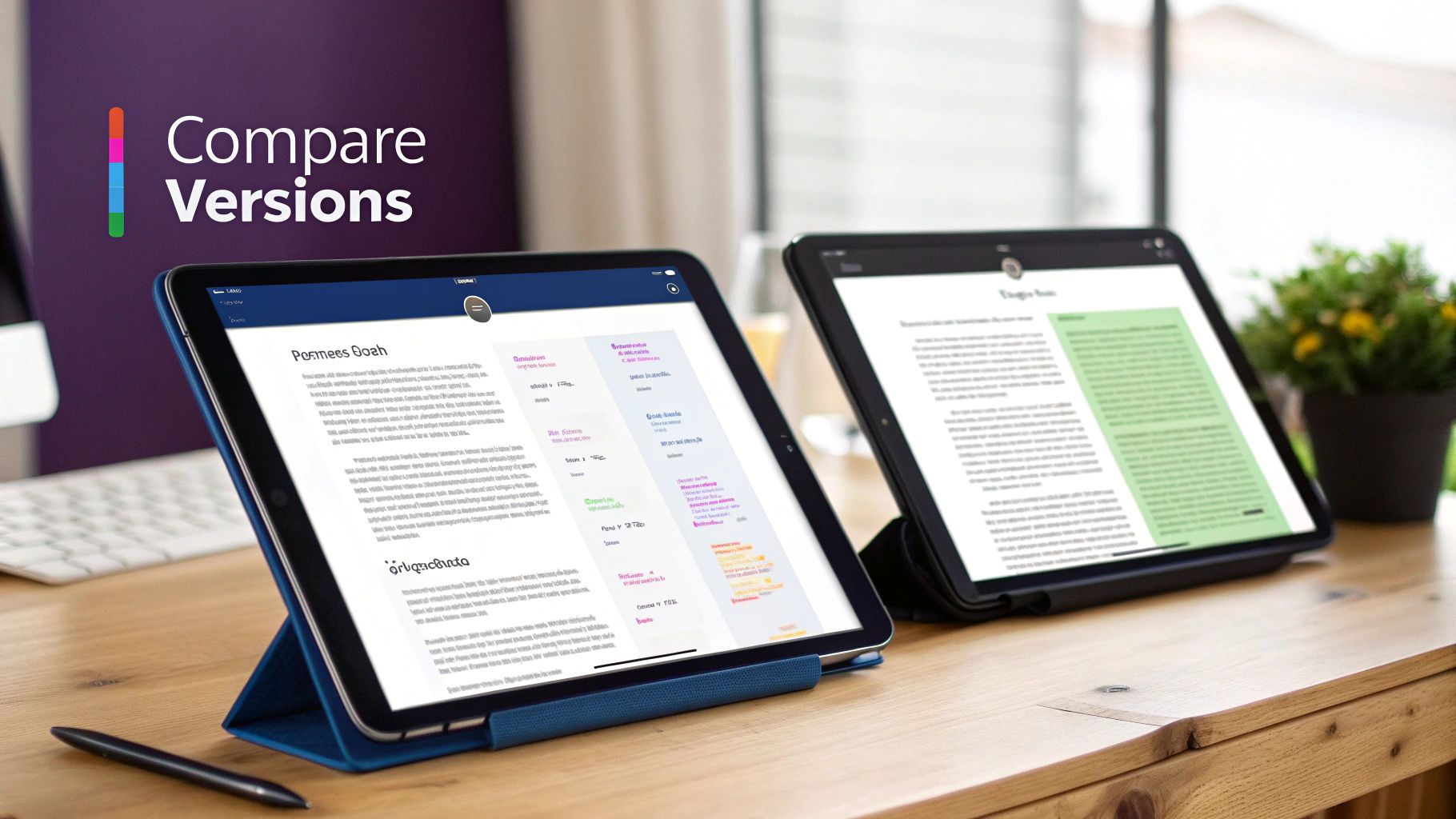
Effective diff visualization is a cornerstone of modern document version control best practices. It transforms a tedious task into a quick, intuitive check. Whether it’s a legal team reviewing contract redlines or a marketing team approving copyedits, a clear visual summary of changes allows for rapid, confident decision-making. The system should handle not just plain text but also formatting, tables, and other rich content changes.
How to Apply Diff Visualization
The goal is to provide immediate, unambiguous visual feedback on document evolution:
-
Side-by-Side View: Presents the “before” and “after” versions in parallel columns. This view is excellent for comparing overall structure, layout, and paragraph flow changes in long-form documents.
-
Inline View: Shows a single, consolidated view of the document where deletions are struck through (typically in red) and additions are underlined (typically in green). This is highly effective for reviewing sentence-level copyedits and minor adjustments.
-
Change Highlighting: Uses distinct color-coding to differentiate between additions, deletions, and formatting or style modifications. This visual hierarchy helps reviewers instantly categorize the nature of an edit.
Key Insight: A robust diff tool is more than just a convenience; it’s a critical component for accuracy and compliance. It creates an undeniable record of change that is easy for anyone, including auditors, to interpret without specialized knowledge.
Implementation Tips
To make your visual comparison tools as effective as possible:
-
Offer Flexible Views: Allow users to switch between inline and side-by-side modes to suit their personal preference or the specific review task at hand. For more information, learn about the different ways to visually track changes in documents.
-
Ensure Accessibility: Use high-contrast color palettes and consider adding patterns (like dots or stripes) to distinguish changes, ensuring the diff is understandable for users with color vision deficiencies.
-
Enable Change Navigation: In lengthy documents, include “Previous Change” and “Next Change” buttons. This allows reviewers to jump directly between edits without endless scrolling.
-
Provide Context: Always show a few lines of unchanged text around a modification. This helps the reviewer understand the change in its proper context rather than in isolation.
7. Immutable Audit Logs with Timestamp and Attribution
Beyond simply saving versions, a robust document control system must record every action taken on a document in a way that is permanent and unalterable. An immutable audit log creates a tamper-proof record of the document’s entire lifecycle, logging every change, comment, and approval with a precise timestamp and clear user attribution. This creates an unchangeable single source of truth for a document’s history.
This practice is non-negotiable in regulated industries. For a healthcare provider, it ensures HIPAA compliance by tracking every modification to patient records. For a financial firm, it provides the evidence needed for SOX audits. This level of detail makes document version control best practices not just about convenience but about fundamental compliance, security, and accountability.
How to Apply Immutable Logging to Documents
The core principle is to treat the log as an append-only system where entries can be added but never edited or deleted:
-
Comprehensive Data Capture: Log every significant event, including version creation, edits (with a summary or “diff” of the change), comments, status changes (e.g., “Draft” to “Approved”), and access events.
-
Essential Metadata: Each log entry must contain the user ID, a precise and verifiable timestamp (preferably UTC), the type of action performed, and a reference to the specific document and version affected.
-
System Integrity: The logging mechanism itself should be secured against unauthorized changes. This is often achieved through architectural patterns like event sourcing or using blockchain-inspired technologies.
Key Insight: Immutable audit logs transform document history from a simple list of versions into a legally defensible record. This supports forensic analysis, resolves disputes, and provides undeniable proof of compliance during audits.
Implementation Tips
To build a trustworthy audit trail:
-
Design for Immutability: Architect your back-end using an append-only model. Event sourcing is a powerful pattern where every state change is stored as an immutable event in a sequence.
-
Separate Logs from Data: Store audit logs in a separate, highly secured system from the primary document storage. This prevents accidental deletion or modification during routine data operations.
-
Implement Granular Access: Control who can view the audit logs. While an editor might only see their own changes, a compliance officer or administrator needs a complete, system-wide view.
-
Provide Auditing Tools: Ensure that compliance teams can easily search, filter, and export logs. A powerful interface for querying the audit trail is as important as the log itself.
8. Collaborative Review with Threaded Discussion
Effective document version control isn’t just about tracking changes; it’s about managing the conversations around those changes. Moving beyond sequential, email-style feedback, threaded discussions allow multiple reviewers to comment on and reply to specific points in a document asynchronously. This creates focused, contextual conversations that prevent feedback from getting lost and accelerates consensus.
Instead of a single, chaotic stream of comments, reviewers can debate a specific sentence or figure in a dedicated thread. This parallel processing of feedback is a cornerstone of modern document version control best practices, allowing teams to resolve multiple points simultaneously. It transforms the review cycle from a linear bottleneck into a dynamic, collaborative workshop.
How to Apply Threaded Discussions to Documents
This approach organizes feedback by topic, not just by time, making it far more efficient:
-
Anchor Discussions to Context: Link each initial comment to a specific word, sentence, or paragraph. This ensures all subsequent replies in that thread are directly relevant to the source text.
-
Encourage Focused Replies: Team members should reply within an existing thread if their feedback relates to the initial comment, rather than starting a new, separate one.
-
Resolve and Archive Threads: Once a discussion leads to a decision and the document is updated, the thread should be marked as “resolved.” This cleans up the interface while preserving the decision-making history for future audits.
Key Insight: Threaded discussions create a permanent, searchable record of why changes were made. This institutional knowledge is invaluable for onboarding new team members, justifying editorial decisions, and maintaining consistency across a document’s lifecycle.
Implementation Tips
To successfully integrate this practice:
-
Use the Right Tools: Leverage features like LoopIndex Inline Comments to anchor discussions directly within your editor. This keeps the conversation tied to the relevant content, avoiding ambiguity.
-
Promote Clear Communication: Encourage the use of @mentions to pull specific stakeholders into a conversation when their expertise is needed. This prevents delays and ensures the right people are involved at the right time.
-
Define a “Resolution” Policy: Establish clear criteria for when a thread can be marked as resolved. This typically happens after the suggested change has been implemented, rejected, or a consensus has been reached, preventing discussions from lingering indefinitely.
9. Automated Conflict and Consistency Checks
Relying solely on human reviewers to catch every error is a recipe for inconsistency and burnout. Automated conflict and consistency checks act as a quality assurance gatekeeper, programmatically validating documents against a predefined set of rules before they ever reach the approval stage. This system flags issues like broken links, formatting violations, or inconsistent terminology, enforcing standards without manual intervention.
This approach shifts quality control left, catching common problems at the source. Instead of reviewers spending time on tedious, mechanical fixes, they can focus on the substance and clarity of the content. Implementing these checks is one of the most impactful document version control best practices for scaling content production while maintaining high standards and reducing the review cycle time.
How to Apply Automated Checks to Documents
These checks can be integrated directly into your content workflow and editor environment:
-
Link & Asset Validation: Automatically crawl the document for internal and external links, flagging any that are broken or result in a 404 error. This can also apply to image or file paths.
-
Style & Terminology Linting: Use tools like Vale or custom dictionaries to enforce style guide rules, such as correct product name capitalization, use of approved terminology, and avoidance of biased language.
-
Metadata & Structure Compliance: Configure checks to ensure essential metadata fields (e.g., author, review date) are filled out. In structured documents, it can validate that required sections or headers are present before allowing publication.
Key Insight: Automation transforms document standards from a passive style guide into an active, enforceable part of the creation process. It provides immediate, objective feedback to authors, empowering them to self-correct issues early and often.
Implementation Tips
To successfully integrate this practice:
-
Start with High-Impact Rules: Begin with checks that have a low rate of false positives, like broken link detection or checking for required metadata. This builds trust in the system.
-
Integrate into the Editor: Provide real-time feedback directly within the editor (e.g., TinyMCE, Froala) so authors see and fix issues as they write, rather than after committing their changes. Platforms like CommAIte can connect these linting rules to the editor environment.
-
Make Feedback Actionable: When a check fails, the error message should be clear, explaining what is wrong and how to fix it. This turns a frustrating block into a helpful, educational prompt.
10. Version Retention Policies and Archival Strategy
A robust version control system isn’t just about tracking changes; it’s also about managing the lifecycle of those versions. Deliberate retention policies govern how long versions are kept, how they are archived, and when they can be purged. A well-designed strategy balances compliance needs, system performance, and storage costs, which grow with every saved revision.
Without a clear policy, systems can become bloated with countless minor versions, slowing down performance and increasing operational expenses. Conversely, purging too aggressively risks non-compliance with legal or regulatory requirements. Establishing a formal archival strategy is a critical component of mature document version control best practices, ensuring you can retrieve historical data when needed without compromising current system efficiency.
How to Apply Retention and Archival Policies
The core principle is to classify documents and apply rules based on their type, sensitivity, and regulatory context:
-
Active Retention: Define the period during which all document versions remain immediately accessible in primary storage for active collaboration and quick rollback. This might be 90 days or the duration of a specific project.
-
Archival: After the active period, older versions are moved to a less expensive, long-term storage solution (like Amazon S3 Glacier). They are still retrievable but may require a longer access time. This step is crucial for compliance.
-
Purging: Define a final end-of-life date when archived versions can be permanently deleted. For a financial firm, trading documents may be purged after 7 years to comply with FINRA rules, while a SaaS platform might archive user content indefinitely for dispute resolution.
Key Insight: A tiered retention strategy transforms version history from a liability (cost, performance) into a managed asset. It ensures compliance and auditability are met cost-effectively, freeing up primary system resources for active work.
Implementation Tips
To successfully integrate this practice:
-
Classify Your Documents: Categorize content based on its regulatory environment. For example, patient records under HIPAA require different retention rules than internal marketing copy.
-
Automate Archival Workflows: Implement automated scripts or use platform features that move versions from primary to cold storage based on your defined timeframes. This reduces manual overhead and ensures policy consistency.
-
Implement Compliance Holds: Your system must allow administrators to place a “legal hold” on specific documents, preventing them from being archived or purged if they are subject to an audit or litigation.
-
Document and Train: Clearly document your retention policy and train all teams on the process. Ensure users understand the difference between active history, archived versions, and permanent deletion.
10-Point Comparison: Document Version Control Best Practices
Item Implementation Complexity 🔄 Resource Requirements ⚡ Expected Outcomes ⭐📊 Ideal Use Cases 💡 Key Advantages
Semantic Versioning for Document Revisions 🔄 Low - policy + naming rules; needs team agreement ⚡ Low - minimal tooling; process documentation ⭐ Predictable change signals; faster review triage 💡 Release notes, API docs, regulated docsets ⭐ Clarity on change scope; rollback-friendly; scalable
Granular Change Tracking with Anchored Annotations 🔄 High - robust anchoring & editor integration ⚡ Medium–High - editor dev, storage for anchors ⭐ Precise, unambiguous feedback; preserved context 💡 Legal contracts, medical records, copyediting ⭐ Exact text-range attribution; audit-ready context
Mandatory Approval Workflows with Role-Based Permissions 🔄 Medium - workflow design & RBAC mapping ⚡ Medium - IAM, UI workflows, operational overhead ⭐ Strong governance; improved compliance; slower publish 💡 Enterprise CMS, healthcare, finance, publishing ⭐ Clear accountability; gated approvals; audit trails
Change Summary and Commit Message Standards 🔄 Low - templates + enforcement rules ⚡ Low - minor tooling, training for authors ⭐ Better reviewer context; searchable change history 💡 Docs teams, release notes, compliance updates ⭐ Speeds review; builds institutional knowledge
Conflict Resolution and Merge Strategy for Concurrent Edits 🔄 High - merge algorithms or locking strategy ⚡ High - real-time sync infra or merge tooling ⭐ Prevents lost work; explicit resolution records 💡 Real-time collaboration, distributed authoring ⭐ Protects edits; enables async high-velocity teams
Version Comparison and Diff Visualization 🔄 Medium - diff algorithms + UI rendering ⚡ Medium - rendering, performance tuning ⭐ Faster, accurate reviews; fewer missed changes 💡 Code/docs review, legal diffs, publishing ⭐ Makes changes visible; improves approval confidence
Immutable Audit Logs with Timestamp and Attribution 🔄 Medium - append-only design & security controls ⚡ High - storage, retention, export, access control ⭐ Tamper-proof traceability; compliance readiness 💡 Healthcare, legal, finance, regulated orgs ⭐ Forensic accountability; regulatory evidence
Collaborative Review with Threaded Discussion 🔄 Medium - threading UI & notification systems ⚡ Low–Medium - UX work, notification infra ⭐ Asynchronous consensus; preserved decision history 💡 Distributed teams, design/editorial reviews ⭐ Keeps context; reduces fragmented communication
Automated Conflict and Consistency Checks 🔄 Medium - rule engines & integrations ⚡ Medium - compute for linting, rule maintenance ⭐ Fewer trivial errors; faster author remediation 💡 Large doc sites, technical docs, regulated content ⭐ Enforces standards; reduces reviewer workload
Version Retention Policies and Archival Strategy 🔄 Medium - policy config, lifecycle tooling ⚡ Medium–High - archival storage, retrieval systems ⭐ Balanced compliance, cost control, system performance 💡 Regulated records, enterprise CMS, legal archives ⭐ Controls storage costs; enforces retention & holds
From Best Practices to Daily Practice: The Future of Collaborative Content
Navigating the complexities of digital content creation without a robust versioning strategy is like sailing in a storm without a rudder. The ten document version control best practices we have explored, from semantic versioning and granular change tracking to immutable audit logs and defined merge strategies, are not just isolated recommendations. They are the interconnected pillars of a resilient, transparent, and highly efficient content ecosystem. By moving beyond ad-hoc file naming and chaotic email threads, you establish a single source of truth that empowers collaboration rather than hindering it.
Each practice, whether it’s implementing mandatory approval workflows or standardizing commit messages, directly addresses a common point of failure in the content lifecycle. Together, they create a system where every change is intentional, every edit is attributable, and every revision is recoverable. This systematic approach is the definitive solution to the costly problems of lost work, compliance breaches, and the endless friction that plagues collaborative teams.
Weaving the Threads Together: From Individual Tactics to a Cohesive System
The true power of these practices is unlocked when they are integrated into a unified workflow. A great diff visualization tool is useful, but its value multiplies when paired with anchored annotations that provide context for each change. Similarly, role-based permissions become far more effective when supported by an immutable audit log that provides a complete, tamper-proof history of all actions.
Implementing this vision requires a strategic shift in both tooling and team culture. It means:
-
For Developers: Prioritizing the integration of version control features directly into your content management systems and web editors like TinyMCE or CKEditor. This involves building or adopting APIs for diffing, merging, and logging changes in a structured way.
-
For Content Teams: Committing to the new workflow. This includes consistently writing clear change summaries, participating in structured review cycles, and leveraging commenting tools to resolve ambiguities before they become conflicts.
-
For Leadership: Championing a culture of accountability and transparency. Providing the tools and training necessary for teams to succeed and recognizing the long-term ROI of a well-structured version control system.
The ultimate goal is to make a robust version control process feel invisible to the user. The system should handle the complexity of tracking, merging, and logging, allowing creators and editors to focus entirely on producing high-quality content.
The Next Frontier: AI-Assisted, Auditable Collaboration
Building this entire framework from the ground up is a monumental task, but you don’t have to start from scratch. Modern tools are designed to provide these foundational capabilities out of the box. Solutions like LoopIndex offer the core building blocks, such as clear diff visualizations and anchored annotations, that can be integrated directly into your existing editing environments.
Looking ahead, the landscape of content creation is evolving rapidly with the integration of artificial intelligence. The next generation of version control will need to manage contributions from both human and AI agents with equal rigor. Emerging technologies, like LoopIndex’s CommAIte SDK, are pioneering this future by embedding AI agents into the familiar review workflow. This ensures that AI-generated suggestions, edits, and content are tracked, discussed, and approved with the same level of transparency and accountability as human contributions.
By adopting these document version control best practices today, you are not merely solving the collaboration challenges of the present. You are building a scalable, future-proof foundation for a new era of content creation-one that is more intelligent, accountable, and collaborative than ever before.
Ready to transform your chaotic content workflows into a streamlined, auditable system? LoopIndex LLC provides the foundational tools, including diff visualization and anchored commenting, to implement these document version control best practices directly within your existing web applications. Explore how you can build the future of collaborative editing by visiting LoopIndex LLC today.
Article created using Outrank