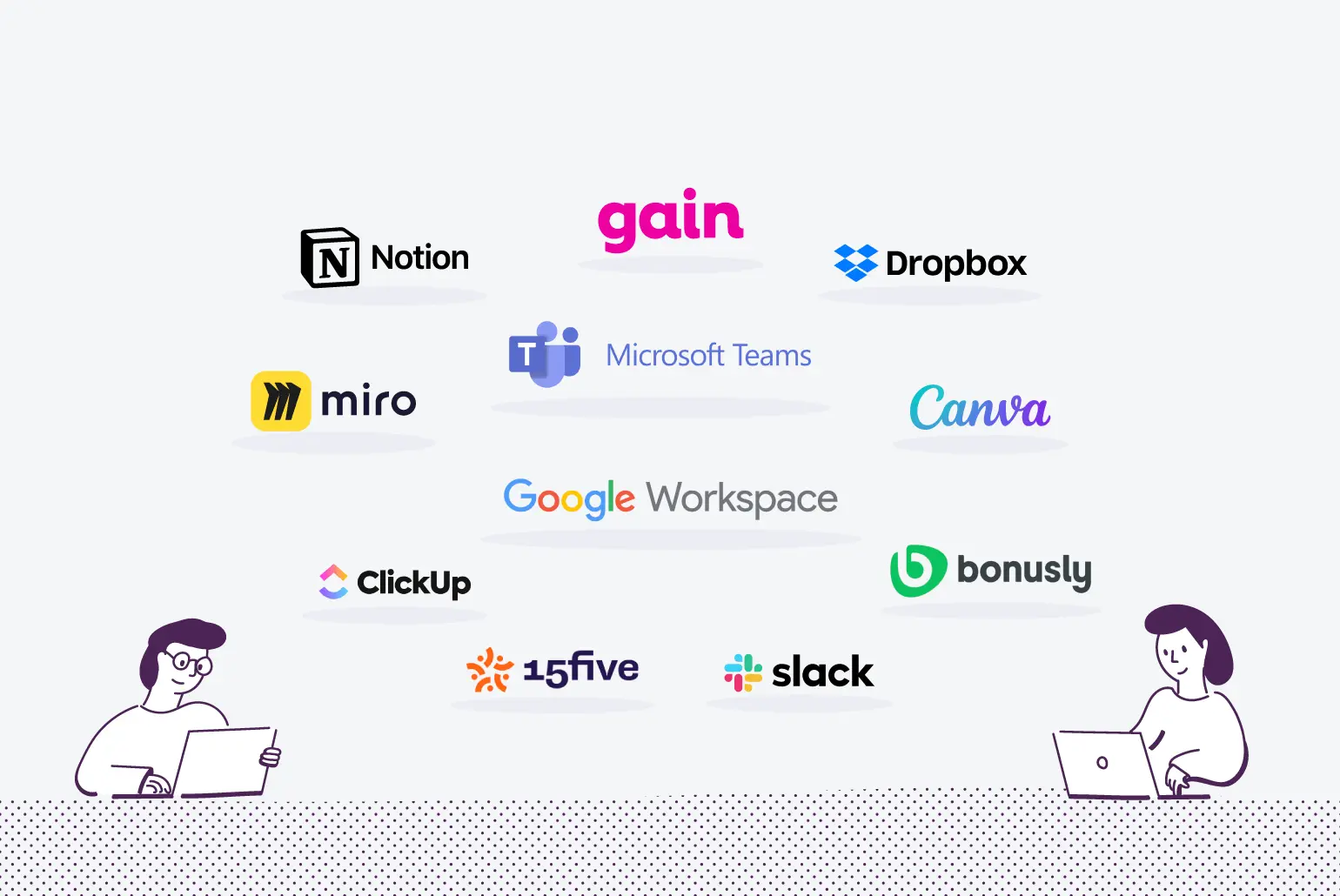

In todays business world, finding the right team collaboration tools is vital for productivity and efficiency. Before you start using them, it’s important to ask a few key questions which will affect how your team experiences and succeeds with these tools. This post will help you through the important factors every company should review before using collaboration tools, making sure the selected options meet all your team’s needs.
This article covers the main questions you should consider in the selection stage, and how to assess various tools effectively. It’s also crucial to involve your team in the decision process. We will discuss important things like security and compliance. This ensures your business can teamwork without risking sensitive information. By the end of this post, you’ll have the knowledge to make smart choices that improve your teams work together and help achieve success.
Key Considerations for Team Collaboration Tools Implementation
Before you choose team collaboration tools, understand the specific needs of your team. Each team works in unique environments and workflows. A generic solution for collaboration tools may not give the best outcomes.
It is important that the chosen collaboration tools improve communication. Tools must create open channels for communication. They should build a culture of trust within team members. Efficient communication helps to reduce delays in projects, improving productivity.
Furthermore, check if the tools match your project objectives and encourage participation. Tools that fit well with your existing processes can boost engagement among team members. Prioritize tools that meet your technical needs while improving dynamics and effectiveness.
By focusing on your team’s specific needs and aligning tools with project goals, you create a better collaborative space. This setup can lead to successful projects.
As you reflect on these points, it’s key to ask important questions about the implementation of collaboration tools. This ensure they align with team needs and project outcomes.
Essential Questions to Ask Before Implementing Collaboration Tools
Before selecting team collaboration tools, it’s important to answer key questions. These questions will help guide the implementation process and align the tools with your team needs. Addressing these questions can improve how well the tools work for everyone involved.
-
What is the main goal we want to achieve with this tool? Defining your objectives is the first step. It might involve better communication, project management, or boosting productivity. Knowing your goals will help you in choosing tools that better support these results. Different tools have different functions.
-
How do our team members like to communicate? Will this tool help that? Preferences for communication can vary among team members. It is crucial to see if your team prefers chat, video, or email. The collaboration tool should meet those preferences to increase acceptance. A tool that fits with communication styles will enhance teamwork.
-
Is there a plan for training and rollout? Adopting new team collaboration tools need time for users to adjust. A structured plan with training, tutorials, and support can help users transition smoothly to the new tools. Resistance to change may lessen when team members feel ready and supported.
-
Does the tool ensure security and meet our data policies? Security matters when choosing team collaboration tools. Organizations must make sure these tools follow their data policies and also external laws. This is especially vital for handling sensitive data. Check each tool’s security features and features to safeguard data and ensure user confidence.
-
How will this tool work with our current processes? It’s vital to see how well the new collaboration tool will fit with existing systems. Good integration can increase efficiency, cut down on redundancy and make tasks easier. Tools that work seamlessly with current software make for a smoother transition and can help widespread use.
By answering these questions before implementing team collaboration tools, you can increase the chances for success. Each answer helps in finding a tool that fits your objectives and enhances collaboration.
With these questions resolved, you will be ready to evaluate various tools on the market that best meet your team’s needs.
Evaluating Collaboration Tools Options
When selecting team collaboration tools, it is very important to evaluate all choices. This ensures they meet your organization needs. Evaluating these tools involves considering usability, support, compatibility, and costs.
The first point to think about is the usability of every tool. User-friendly tools that are easy to navigate helps adoption among team members. If a tool needs a lot of training or a hard learning curve, it can cause frustration and lower productivity. Testing tools with a small user group gives feedback on ease of use.
Next, you should think about customer support the vendor give. Tools with good support, like chat help, tutorials, or video content can make a big difference, especially at implementation stage. Good customer support helps in quickly resolving issues, improving user experience with the team collaboration tools.
Compatibility with existing systems and workflows is also very critical. The collaboration tools chosen should integrate smoothly with applications and processes that your team already uses. For example, if the team uses certain project management software, ensure the tools connect with those systems easily with no major changes. This minimizes disruption and enhances team efficiency.
Finally, it’s important to look at different pricing models. Follow clarity on return on investment when evaluating collaboration tools. Costs can differ between vendors, knowing the pricing structure like subscription-based, one-time fees, or tiered pricing is helpful in decision making. Calculating potential savings due to better efficiency and productivity shows the overall value of the tool.
In conclusion, carefully evaluating team collaboration tools requires considering user-friendliness, support, compatibility, and costs. Investigating these factors help ensure a smooth transition into a new collaborative environment that meets your team’s unique needs.
This evaluation leads to the next important step. It involves addressing security and compliance in collaboration tools. Ensuring your selected tools meet necessary security standards and follow regulations is vital for protection of organization data and maintaining trust among team members.
Addressing Security and Compliance in Collaboration Tools
Security remains a top concern when using team collaboration tools. Sensitive information is often exchanged or stored. Data breaches bring serious outcomes, like financial loss and damage to reputation. Recent studies show 43% of companies face breaches from weak cybersecurity.
It’s crucial to grasp what the vendor pledges about data governance and compliance. Assess if the tool meets regulations like GDPR or HIPAA, based on your industry. Tools should transparently share security protocols and certifications. Vendors with SOC 2 Type II compliance show a strong commitment to data security.
Checking security features of collaboration tools is a key process. Conduct regular audits of security measures and track vendor updates. Ongoing evaluations help pinpoint vulnerabilities, creating trust among team members and protecting sensitive data.
To sum up, securing compliance safeguards your organization from risks and builds a reliable space for team collaboration. As you choose team collaboration tools, involve all team members in evaluating options. Their feedback ensures concerns are addressed, boosting security and compliance overall.
Involving Team Members in Collaboration Tool Selection
It’s important to involve team members in choosing team collaboration tools. When everyone has a part, they are more likely to use them well. Inclusion leads to smooth adoption and better teamwork overall. Selected tools meet the needs of all.
Feedback from potential users helps. Learning about their favorite features and past experiences with collaboration tools can change selection process. This engagement builds ownership and accountability, identifying key functions needed for diverse team workflows.
Talks about choosing collaboration tools also uncover problems or resistance. If concerns are found early, organizations can offer solutions and better training. By doing this, they minimize issues and help the new tools fit into current processes.
Involving team members aids in selecting suitable tools, fostering trust and collaboration. This creates a more engaged and productive team ready to tackle tasks together successfully.
Now that we see the value of team engagement, let’s look at how tech improves document collaboration. This ensures team members can work efficient and effective, no matter where they are located.
Leveraging Technology to Improve Document Collaboration
In the workplace, technology enhances document collaboration. The right team collaboration tools streamline this. Companies like LoopIndex LLC provide robust plugins to boost content creation and editing. These tools offer advanced editing features, letting every team member contribute, no matter where they are.
Integrating good tools with editors helps in managing version control, key for complex documents. When team members edit together, creating conflicting versions or losing edits is a risk. Advanced integration solutions reduce these risks with real-time updates, showing clear changes. Studies show using integrated collaboration tools leads to a 30% drop in editing errors, improving output quality.
These integrations support accountability. It is clear who does what in a project, enhancing teamwork and lowering miscommunication risks. Furthermore, tools automate tasks like document sharing and feedback collection. This frees teams to focus more on creativity and less on admin work. The correct collaboration tools boost workflow efficiency, improving productivity and speeding up project completion.
Conclusion
In conclusion, using team collaboration tools greatly improves communication and productivity in your organization. We outlined key questions that should be considered, from identifying key factors to checking security and compliance needs. Involving your team in choosing these tools is vital; it helps in making sure the tools they select meet actual needs.
You have a clear plan to make smart choices. Start conversing with your team about these points to ensure their opinions matter in the selection of tools. The right choices can greatly boost your workflow and make your work environment more connected.
By closely inspecting the factors we’ve discussed, you can choose tools that not only improve productivity but also aid your team’s growth. Start looking at the options today, and change how your team works together with the best tools!
About LoopIndex LLC
LoopIndex LLC specializes in enhancing content creation and editing through robust plugins for popular editors like TinyMCE, Froala, and CKEditor 4, streamlining the document editing process.
By focusing on improved collaboration, version control, and accountability, LoopIndex helps businesses and professionals optimize their document workflows for higher quality and efficiency. Discover how LoopIndex can enhance your content creation and editing today!